On this page (10 sections)
- Introduction
- What is a QR Code Generator?
- Core Features of a Professional QR Code Tool
- Benefits of Using an Online QR Code Generator
- Step-by-Step Tutorial: How to Generate a QR Code Online
- Real-Life Scenarios: When Do You Need a QR Code?
- Pro Tips for Effective QR Code Design
- Common Mistakes to Avoid
- Frequently Asked Questions (FAQ)
- Conclusion
Introduction
In our hyper-connected modern world, bridging the gap between physical print media and digital online content needs to happen in a split second. Whether you are browsing restaurant menus, scanning product packaging, sharing Wi-Fi network credentials, or marketing digital portfolios, Quick Response (QR) codes have become the ultimate bridge for instant engagement.
Have you ever wanted to direct physical foot traffic or offline readers straight to your landing page, social media profile, or online store without forcing them to manually type out long, clumsy URLs?
Fortunately, utilizing a reliable, browser-based QR Code Generator allows you to build customized, high-resolution barcode graphics in seconds. In this comprehensive guide, we will explore why QR codes matter for modern marketing, how scanning matrices operate, and how you can generate your custom codes effortlessly using the tool on WebToolsHelper QR Code Generator.
What is a QR Code Generator?
A QR Code Generator is a specialized digital utility designed to encode URLs, plain text, email addresses, phone numbers, or Wi-Fi configurations into a scannable two-dimensional matrix of black and white pixel squares.
Modern professional generators allow you to customize design elements, adjust error correction levels, and export high-definition image formats suitable for both digital screens and large-scale physical print marketing.
Core Features of a Professional QR Code Tool
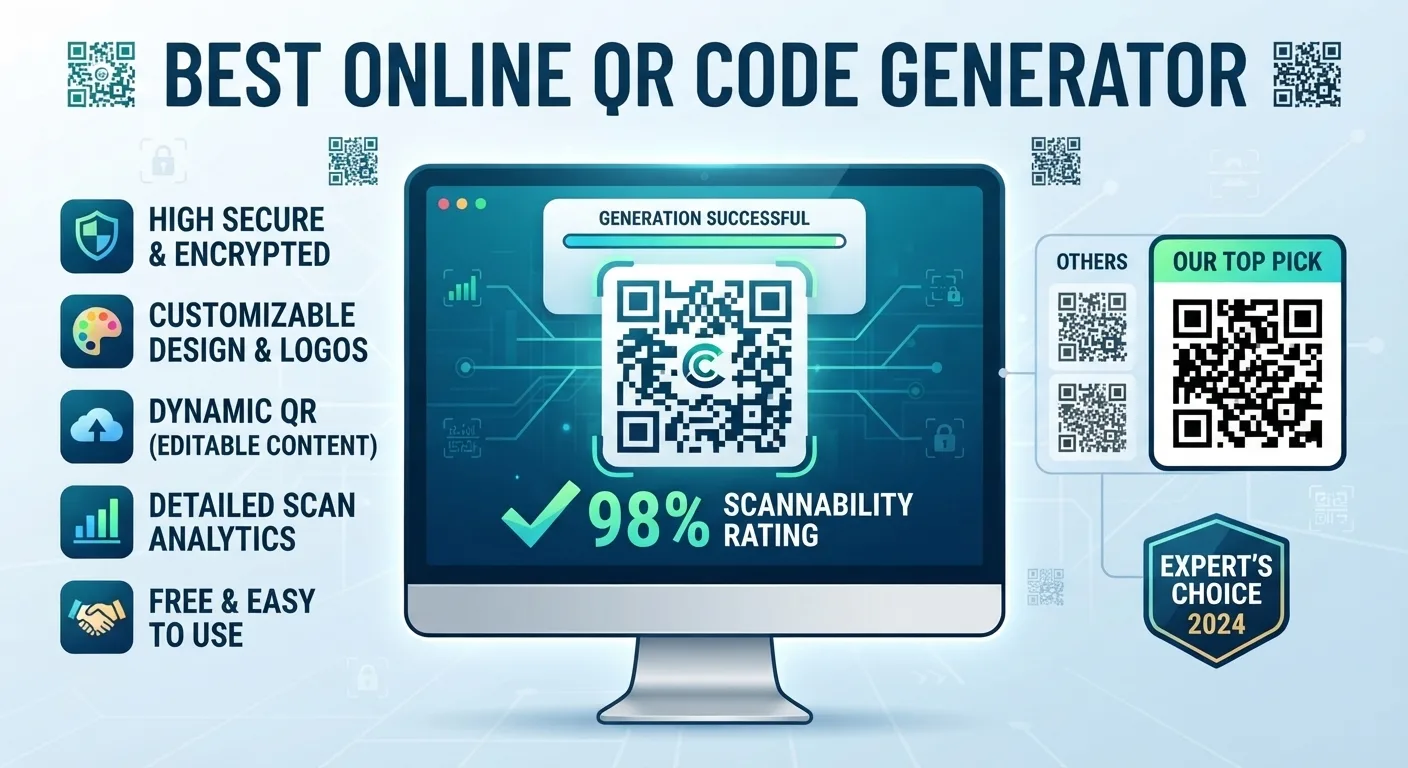
- Multiple Data Type Support: Encode website URLs, plain text messages, contact vCards, email shortcuts, and Wi-Fi network logins.
- High-Resolution Export Options: Download codes in crisp PNG or SVG formats that never blur when printed on flyers, business cards, or billboards.
- Real-Time Live Preview: Watch your custom QR code render instantly on screen as you type your data or adjust settings.
- Client-Side Security: Fast, secure processing directly within your browser, ensuring your private link data stays completely confidential.
- Zero Installation Required: Fully accessible online via any mobile or desktop web browser.
Benefits of Using an Online QR Code Generator
Integrating customized QR codes into your marketing and operational workflows delivers immediate advantages:
- Instant Offline-to-Online Bridge: Allow mobile users to access your digital platforms with a single camera scan, eliminating typing friction.
- Enhanced Marketing Engagement: Dynamic print ads, posters, and product packaging become interactive touchpoints for consumers.
- Versatile Application Scenarios: Share contact details, promotional landing pages, or payment gateways seamlessly.
- Time Efficiency: Create professional-grade scannable graphics in seconds without relying on complicated design software.
Step-by-Step Tutorial: How to Generate a QR Code Online
Follow this simple workflow to build custom QR codes using the WebToolsHelper platform:
- Step 1: Access the Tool Page — Open your web browser and navigate directly to the official WebToolsHelper QR Code Generator.
- Step 2: Choose Your Data Type — Select what you want to encode, such as a website URL, text string, or contact card.
- Step 3: Enter Your Information — Input your destination link or custom text into the primary data field.
- Step 4: Download Your Image — Review the live preview and export your high-resolution QR code file, ready for digital or print publishing.
Real-Life Scenarios: When Do You Need a QR Code?
1. Restaurant Menus and Retail Packaging
Hospitality and retail businesses use QR codes on tables and product boxes to give customers instant access to digital menus, reviews, or instruction manuals.
2. Business Networking and Event Promotion
Professionals print QR codes on business cards and conference flyers so clients can save contact details or visit portfolio websites instantly.
Pro Tips for Effective QR Code Design
- Test Before Printing: Always scan your generated QR code with multiple mobile devices before sending files to a commercial printer.
- Maintain High Contrast: Ensure dark code modules stand out against a light background for fast, reliable camera recognition.
- Keep Target URLs Short: Shorter target URLs generate simpler dot matrices that are easier for older smartphone cameras to read.
Common Mistakes to Avoid
- Inverting Colors Improperly: Using light codes on a dark background without checking contrast, which causes scanning failures on certain devices.
- Printing at Too Small a Size: Generating codes smaller than recommended dimensions for physical print ads, making them unscannable from a distance.
- Linking to Broken URLs: Forgetting to verify that your destination web link is active before mass-printing promotional materials.
"QR codes transform passive physical spaces into instant interactive gateways for your audience."
Frequently Asked Questions (FAQ)
1. Is the online QR Code Generator completely free to use?
Yes, standard utility tools available on platforms like WebToolsHelper provide free, unlimited access for creators, marketers, and webmasters.
2. Will my QR code ever expire?
If you encode a direct static web URL, your QR code will remain functional indefinitely as long as your destination website stays active.
3. What file formats can I download my QR code in?
Most professional generators allow you to export crisp, scalable image files such as PNG or SVG for printing and digital use.
4. Do I need to install any software to create QR codes?
No software installation is required. The generator runs entirely online through your standard web browser.
5. Can I generate QR codes for Wi-Fi access?
Yes, many advanced generators allow you to encode network SSIDs and passwords so guests can join Wi-Fi instantly via camera scan.
6. Can smartphones read QR codes natively without an app?
Yes, modern iPhone and Android camera apps include built-in QR scanning capabilities without requiring third-party reader downloads.
7. What is error correction in QR codes?
Error correction builds redundant data blocks into the code matrix, allowing it to remain scannable even if partially damaged or obscured.
8. Are my generated data inputs private and secure?
Yes, reputable tools process information client-side or via secure connections, keeping your encoded data safe.
Conclusion
Connecting your offline audience to your digital ecosystem should be fast, elegant, and reliable. By leveraging a high-performance QR Code Generator, you can create custom scannable graphics in seconds. Head over to the WebToolsHelper QR Code Generator today and start building your codes!


